Prepare your Google Sheet data
Each sheet row becomes one personalized document. Each column becomes one merge field.
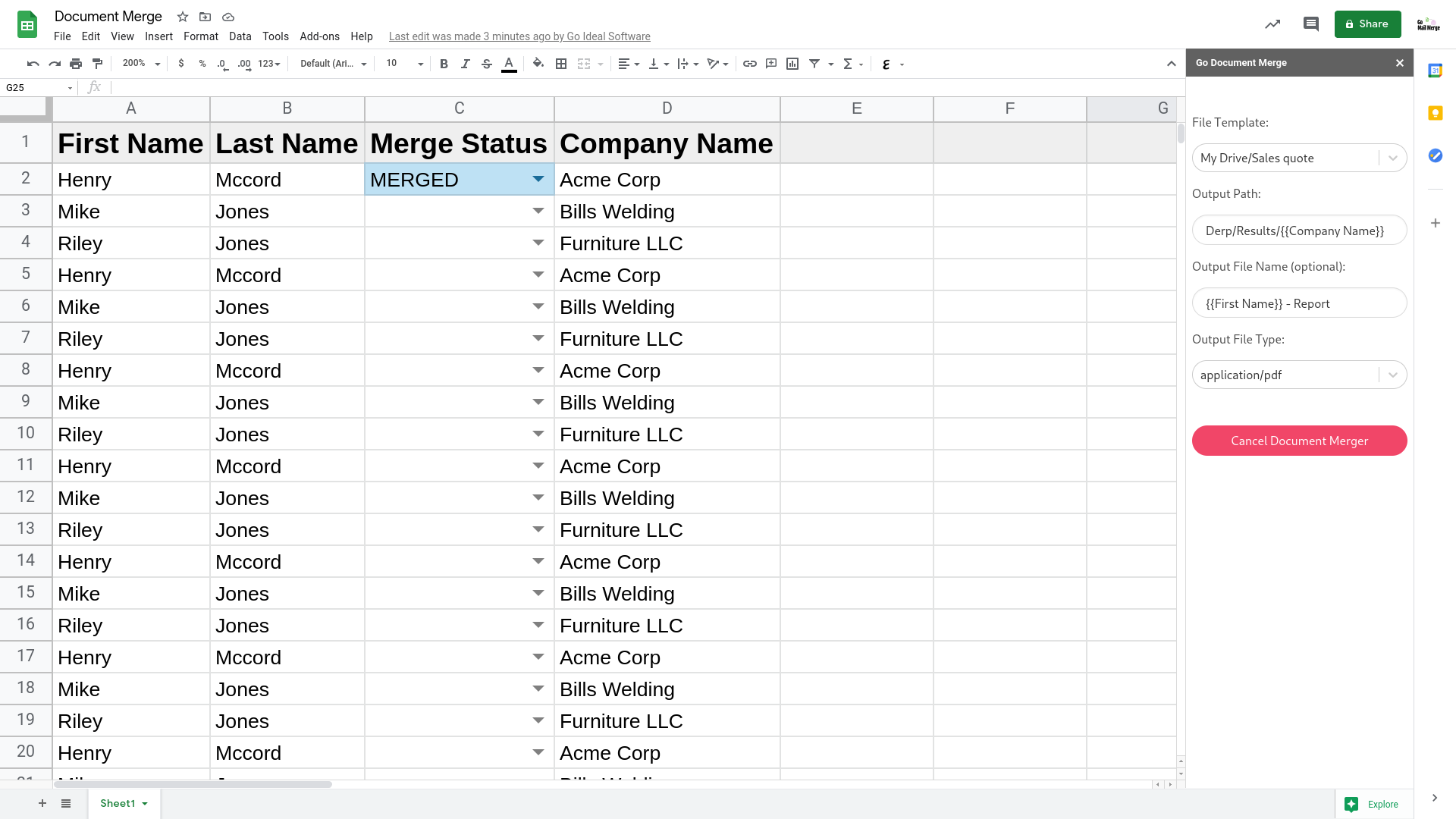
Recommended sheet layout
| First Name | Last Name | Company Name | Invoice Number | Amount |
|---|---|---|---|---|
| Alex | Rivera | Acme Co | INV-1001 | 250 |
| Jordan | Lee | Northwind | INV-1002 | 480 |
Rules that keep merges reliable:
- Put field names in the first header row.
- Use clear header names such as
First NameorInvoice Number. - Keep one document per data row.
- Avoid empty header cells between columns.
Match columns to template placeholders
Template placeholders use the same names as your headers:
- Header
First Namemaps to{{First Name}} - Header
Company Namemaps to{{Company Name}}
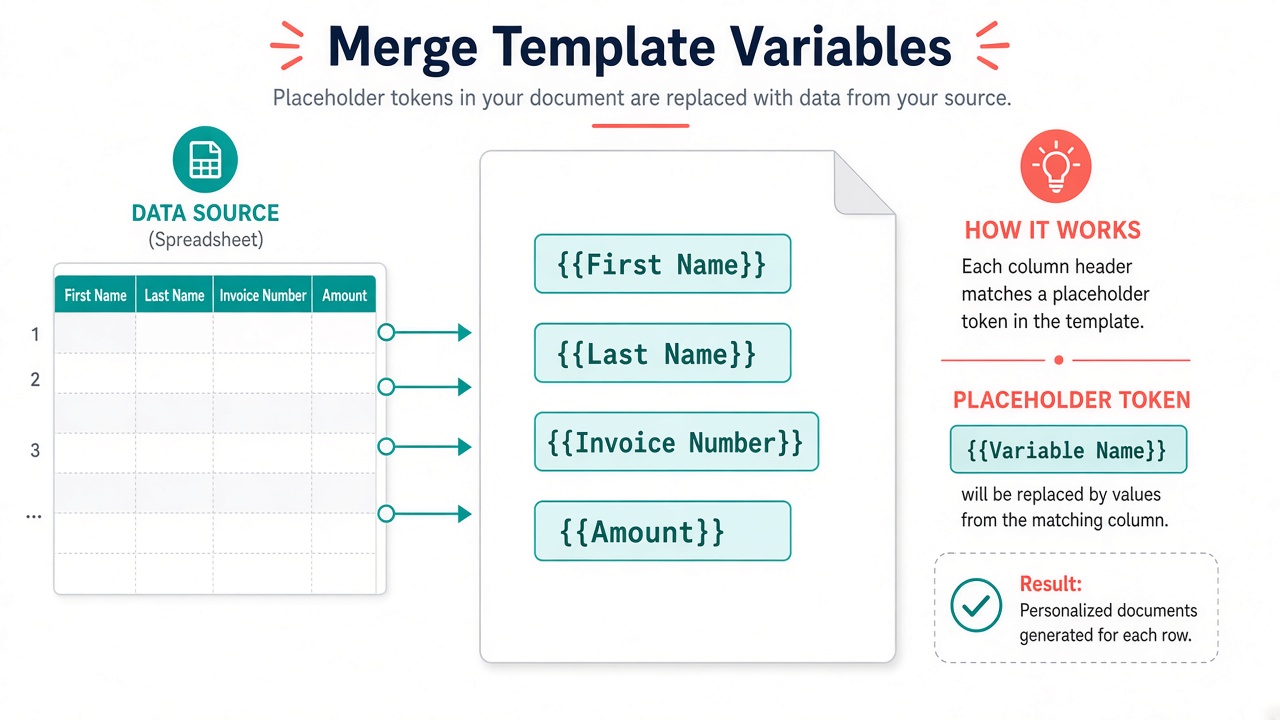
Tips for clean data
- Keep dates and currency values in a consistent format.
- Remove unused blank rows at the bottom of the used range.
- Store IDs and numbers as text when you need leading zeros.
- Add a status column only if you want to track merges by hand. The add-on also writes merge status for you.
Next step
Create a Google Docs template that uses your column names as placeholders.