Save hours with Google Docs document automation
· One min read

Repetitive document work steals focus from customers, students, and deals. Automation returns that time without forcing a new platform.
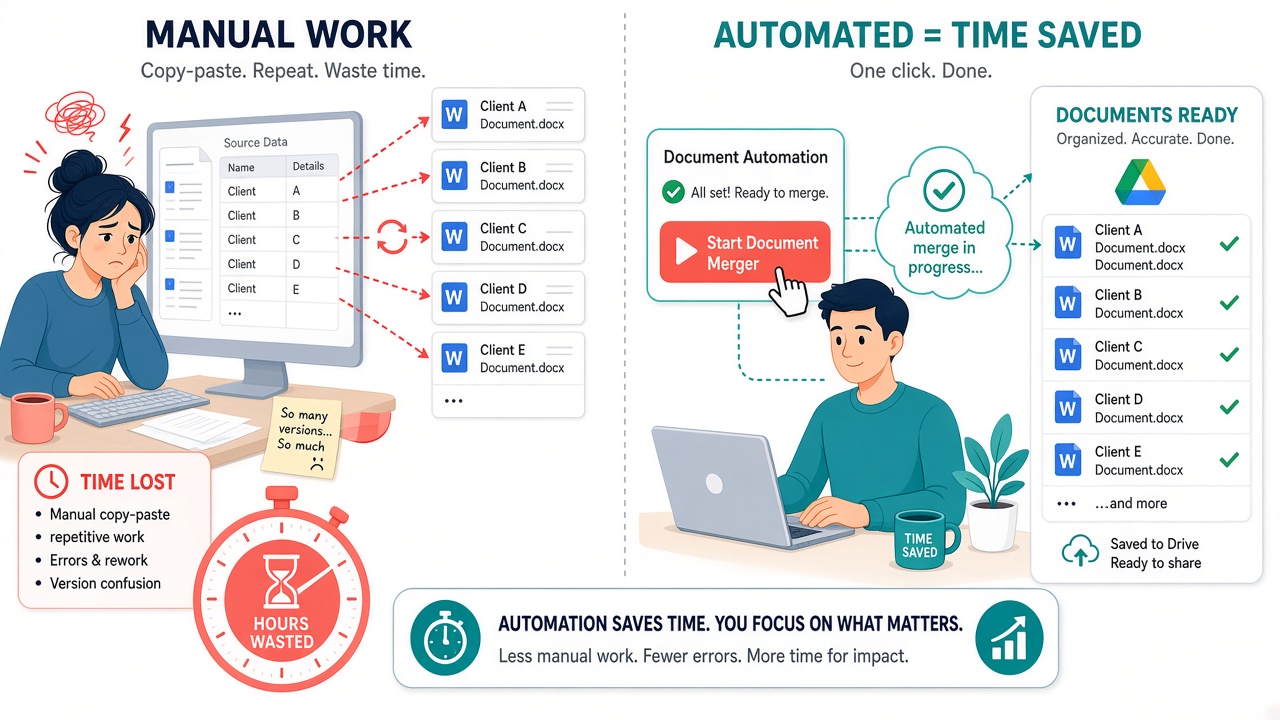
Where the hours go
A single personalized document looks cheap. Multiply it:
- 50 invoices each month
- 200 certificates each term
- 30 offer letters each hiring wave
Copy-paste time compounds. Error correction compounds faster.
What automation changes
With Go Document Merge:
- Data stays in Google Sheets
- Layout stays in Google Docs
- Output lands in Google Drive folders you choose
- Merge status stays visible in the sheet
You still review important files. You stop rebuilding them from scratch.
A practical weekly workflow
- Update the sheet with new rows.
- Reuse the approved template.
- Start the merger.
- Spot-check a sample of outputs.
- Share or export the finished pack.
Measure the win
Track minutes per document before and after. Most teams see the largest gain on the second and third monthly run, when the template already exists.
Start the shift
Follow the docs getting started path or install Go Document Merge.