Create HR offer letters at scale from Google Sheets
· 2 min read

Hiring surges create document backlog. Recruiters need accurate offer letters fast, and every letter must use approved wording.
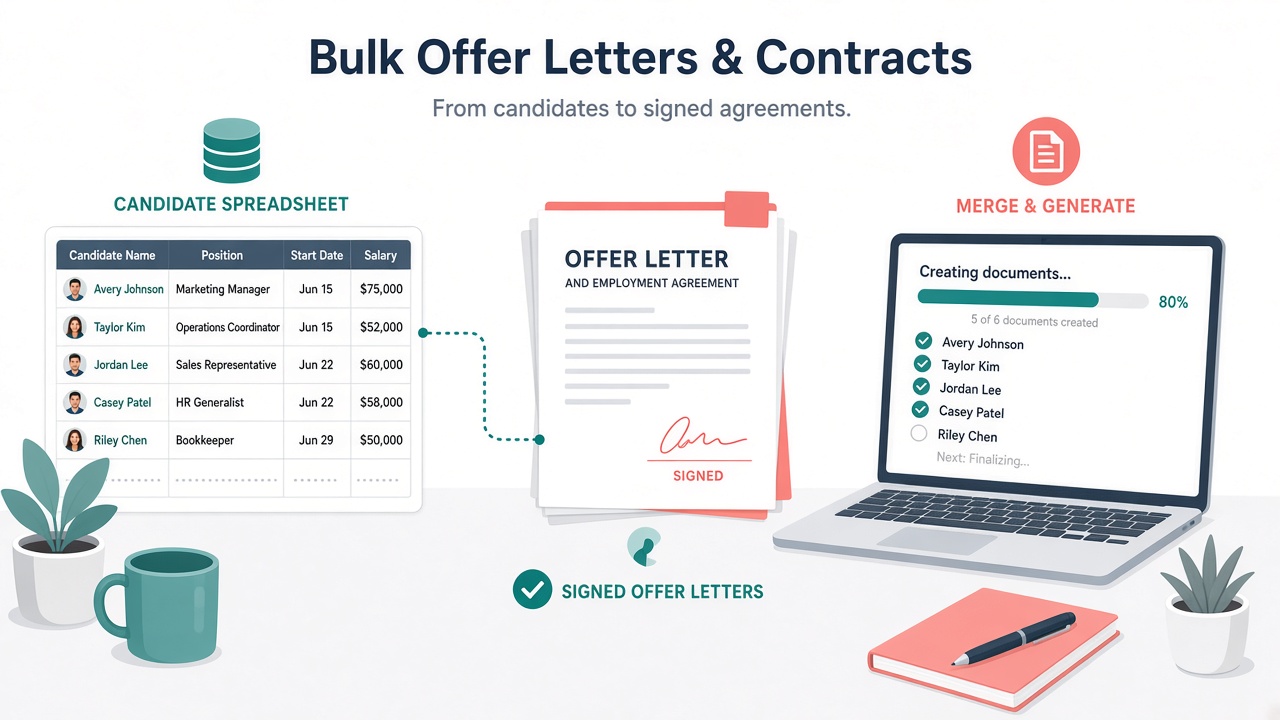
Put candidate fields in Sheets
Useful columns:
First NameLast NameJob TitleStart DateSalaryManager NameWork Location
Your ATS export can feed the sheet after a light cleanup.
Keep legal language in one Docs template
HR and legal approve the letter once. Merge only the variable employment details with placeholders such as {{Job Title}} and {{Start Date}}.
Generate the offer pack
- Open the hiring sheet.
- Launch Go Document Merge.
- Select the offer-letter template.
- Use a path like
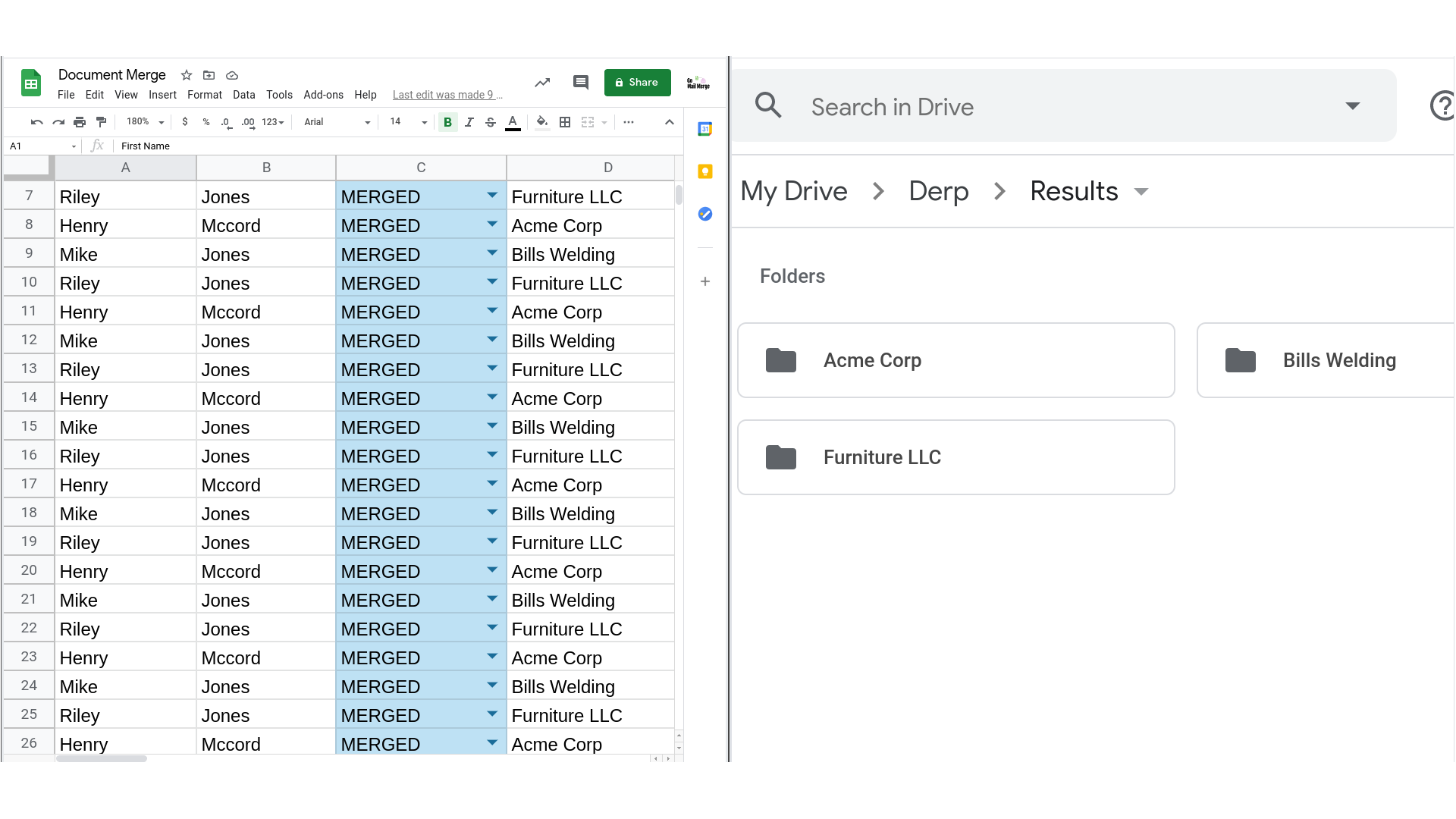
HR/Offers/{{Last Name}}-{{First Name}}-Offer. - Start the merger and review status in the sheet.
Why HR teams stay in Google Workspace
Offer letters often need quick collaboration with managers. Drive permissions and Docs comments already fit that process. A native merge keeps files where the team works.