Create school report cards and certificates at scale
· One min read

End-of-term document work piles up fast. A roster of students becomes dozens or hundreds of certificates and report cards.
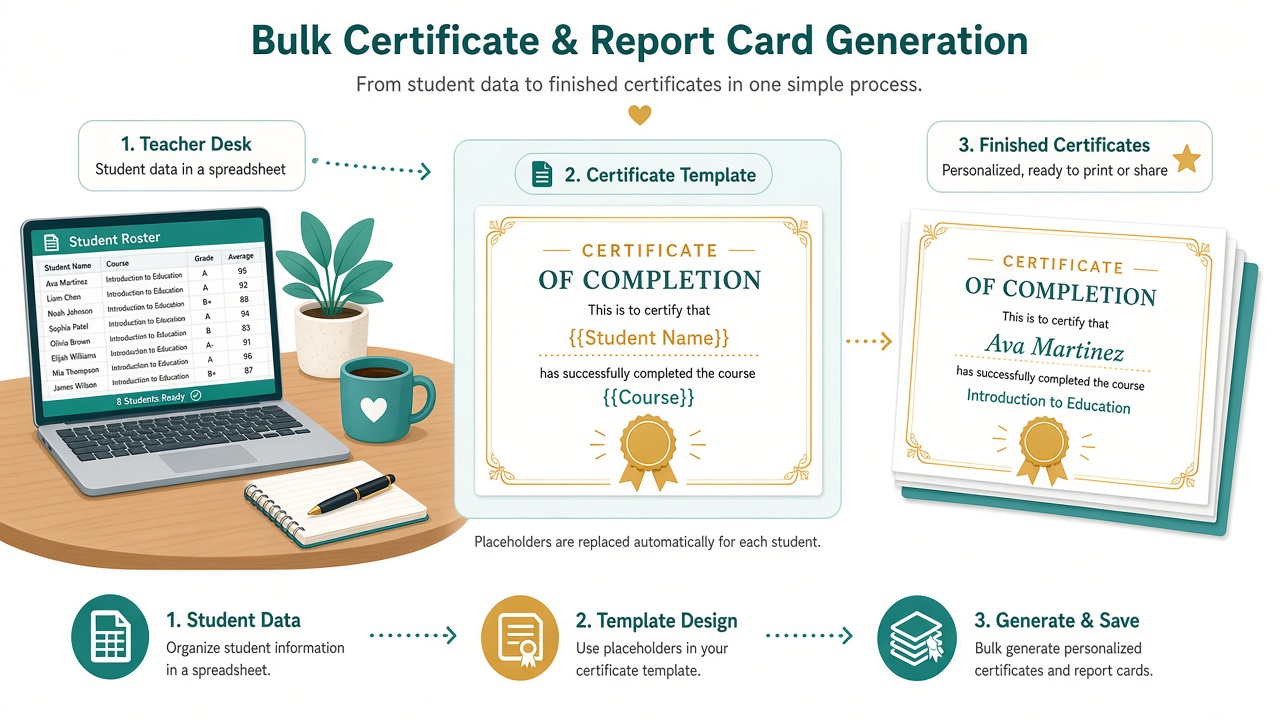
Google Sheets already holds the roster. Go Document Merge turns that roster into personalized Docs.
Start from the roster you already have
Typical education columns:
Student NameorFirst Name/Last NameCourseGradeTermTeacher
Keep one student outcome per row when each document is unique.
Design certificates once
Create a certificate or report-card template in Google Docs. Placeholders keep the design stable:
This certifies that {{Student Name}}
completed {{Course}} for {{Term}}.
Organize Drive output by class
Use paths such as:
School/2026/{{Course}}/Certificates/{{Last Name}}-{{First Name}}
Staff find files by course without renaming by hand.
Why schools choose Workspace-native tools
Student data often already lives in Google Workspace. A native merge avoids CSV exports and third-party uploads for routine document packs.
Get started
Read the use cases docs and install the add-on.