Mail merge vs document merge in Google Workspace
· 2 min read

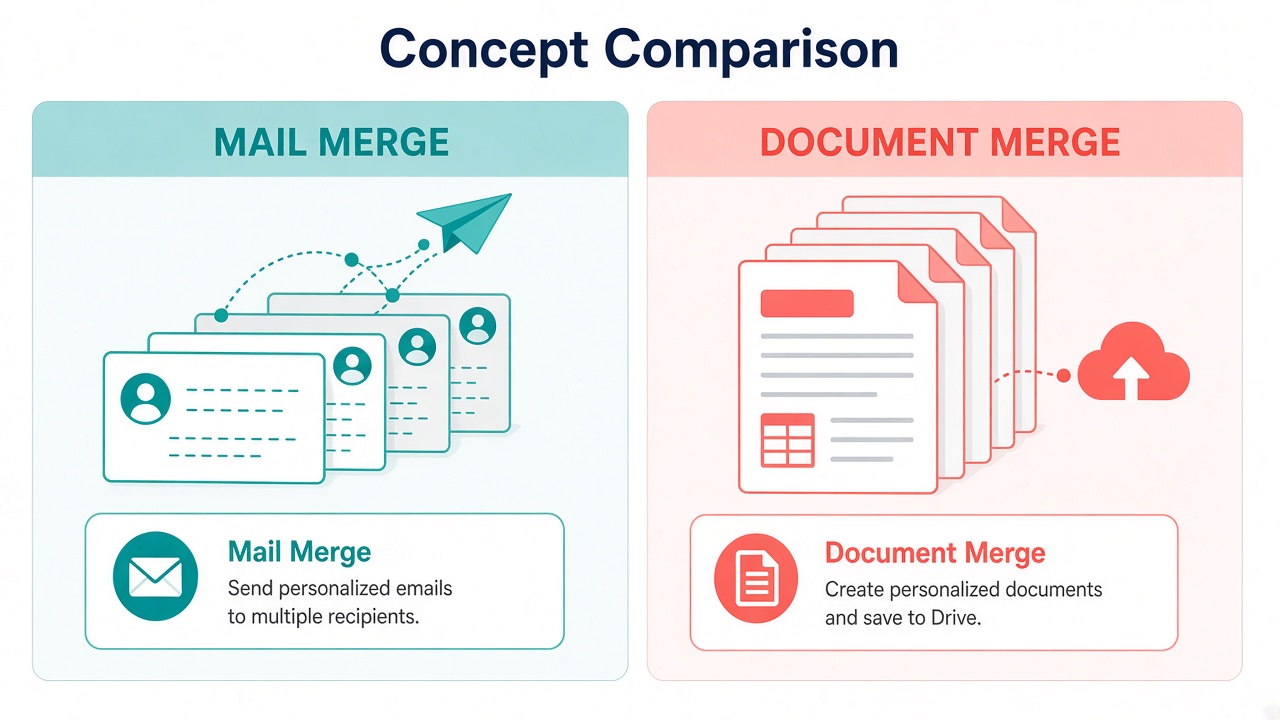
People often say “mail merge” when they mean any personalized bulk output. In Google Workspace, mail merge and document merge solve different jobs.
What mail merge does
Mail merge sends personalized emails. Each recipient gets a message with fields filled from a list. The primary output is an email, not a stored document file.
Use mail merge when:
- The goal is a message in the inbox
- You do not need a long-lived Google Doc for each row
- Delivery and open tracking matter more than file archives
For email-focused workflows, see Go Mail Merge.
What document merge does
Document merge creates personalized Google Docs (or related Drive files) from a template. Each row becomes a file you can review, share, print, or attach later.
Use document merge when:
- You need invoices, contracts, certificates, or letters as files
- Legal or finance teams must store copies in Drive
- Recipients need a document, not only an email body
Side-by-side comparison
| Need | Mail merge | Document merge |
|---|---|---|
| Personalized email | Yes | No |
| File stored in Drive | Usually no | Yes |
| Print-ready layout | Limited | Strong |
| Long contracts or certificates | Weak fit | Strong fit |
| Status tracked in Sheets | Depends on tool | Yes with Go Document Merge |
Choose document merge for file-based work
Go Document Merge focuses on Sheets → Docs → Drive. You design the document once, merge many times, and keep organized output folders.
Read the docs introduction or install the add-on.